Image to Video AI Generator: Create Stunning Product Videos
Ankitesh
November 17, 2026
6 min read
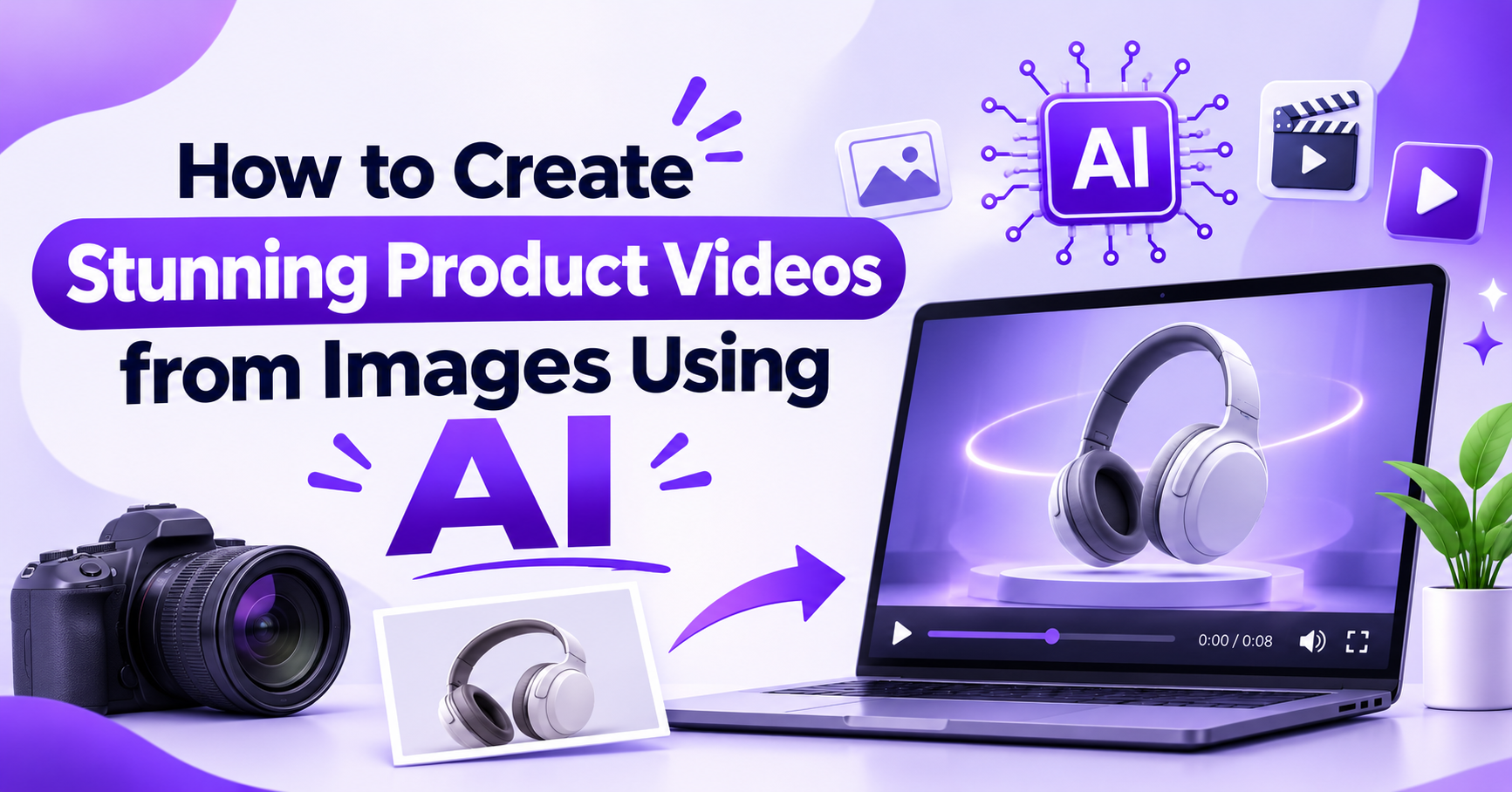
Imagine having a collection of beautiful product photographs but no video content to showcase them. You know videos can make your products more appealing, but hiring a videographer, arranging a shoot, and spending hours editing isn’t always practical.
Here’s the good news: you don’t necessarily need a camera crew or expensive editing software anymore.
With an Image to Video AI Generator, you can transform ordinary product images into engaging videos using artificial intelligence. Whether you’re running an online store, managing a brand, or creating social media content, AI makes product video creation faster and more accessible than ever.
Let’s explore how it works and how you can create stunning product videos from images.
An Image to Video AI Generator is an AI-powered tool that converts static images into dynamic video clips. Instead of simply displaying a photograph, the technology adds realistic motion, camera movements, visual effects, and other animations to bring the image to life.
For example, imagine uploading a photograph of a luxury perfume bottle. An AI Image to Video Generator can turn that single image into a cinematic scene with a gentle camera zoom, moving light reflections, and an elegant background atmosphere.
The result? A product video that looks much more engaging than a standard product photograph.
This technology is particularly useful for eCommerce businesses, digital marketers, content creators, and small businesses that want professional-looking videos without complicated production processes.
Product videos help customers understand what they’re buying. They also make marketing content more visually interesting.
Here are a few reasons why businesses are embracing Photo to Video AI technology:
Traditional product video production requires cameras, lighting equipment, editing software, and sometimes professional production teams. AI simplifies much of this process.
You can start with existing product images and turn them into videos without organizing an entire filming session.
A static image can show what a product looks like, but animation can create a stronger visual impression. Subtle movement, camera transitions, and cinematic effects can make products feel more appealing.
Need videos for Instagram Reels, YouTube Shorts, TikTok, or your online store? AI-generated videos make it easier to create visual content for different marketing channels.
You don’t have to stick to traditional product presentations. Try cinematic movements, lifestyle-inspired scenes, or creative visual effects to discover what connects with your audience.
Creating product videos with AI is surprisingly straightforward. Here’s a practical workflow to get started.
Start with a clear, high-resolution product photograph. Make sure your product is visible, properly positioned, and well-lit.
A clean background can also help the AI understand the subject more effectively.
For example, a skincare bottle photographed against a simple background gives you a great starting point for creating an elegant promotional video.
Choose an Image to Video AI Tool and upload your selected photograph.
Depending on the platform, you may be able to select different video styles, animation effects, or generation settings.
Take a moment to explore these options before generating your video.
This is where creativity matters.
Tell the AI how you want your product to move and what kind of atmosphere you want to create.
For example:
“Create a cinematic product video featuring a luxury perfume bottle. Add a slow camera zoom, soft golden lighting, elegant reflections, and a premium studio atmosphere.”
A clear prompt helps communicate your creative vision and guides the AI toward your desired result.
Want to create a more structured product advertisement?
An AI Storyboard Generator can help organize your video concept into individual scenes before production.
For example, a skincare product advertisement could follow this sequence:
Planning scenes beforehand gives your video a clearer direction and helps maintain a consistent visual story.
Once your image and prompt are ready, generate the video.
Watch the result carefully. Check whether the product maintains its appearance, the movement looks natural, and the overall presentation matches your expectations.
If something doesn’t look right, experiment with a revised prompt or different generation settings.
After you’re happy with the result, download your video and prepare it for your marketing channels.
Consider creating different versions for social media, product pages, advertisements, and promotional campaigns.
A few small improvements can make a noticeable difference in your final video:
Remember, the goal isn’t simply to create movement. It’s to make your product look appealing while communicating its value.
Creating professional-looking product videos doesn’t have to be complicated. With modern Image to Video AI technology, you can turn simple photographs into engaging visual content without traditional video production.
Whether you’re promoting a new product, building an online store, or creating content for social media, AI can help you explore creative possibilities and save valuable production time.
Ready to bring your product images to life?
Visit Dilogs AI and explore how AI-powered creativity can help transform your visual ideas into engaging content. Give your images a new dimension and start creating videos that capture attention!
An Image to Video AI Generator is a tool that uses artificial intelligence to transform static images into animated video clips. It can add camera movements, motion effects, and visual elements to create engaging videos from photographs.
Yes! Businesses can use AI Image to Video tools to create promotional videos, eCommerce product demonstrations, social media content, and advertising creatives using existing product photographs.
An AI Storyboard Generator helps organize video ideas into individual scenes. It makes planning easier by establishing the sequence, visual direction, and overall storytelling approach before creating the final video.
Generate the next concept
Use the AI storyboard generator, connect Dilogs in Claude and ChatGPT, or check pricing.