10 Ways to Increase Engagement with AI Video Content
Sohel
October 17, 2025
6 min read
AI video tools have democratized content creation, but here’s the uncomfortable truth: most AI-generated videos get ignored. The difference between content that gets scrolled past and content that stops people mid-feed isn’t about better tools—it’s about smarter strategy.
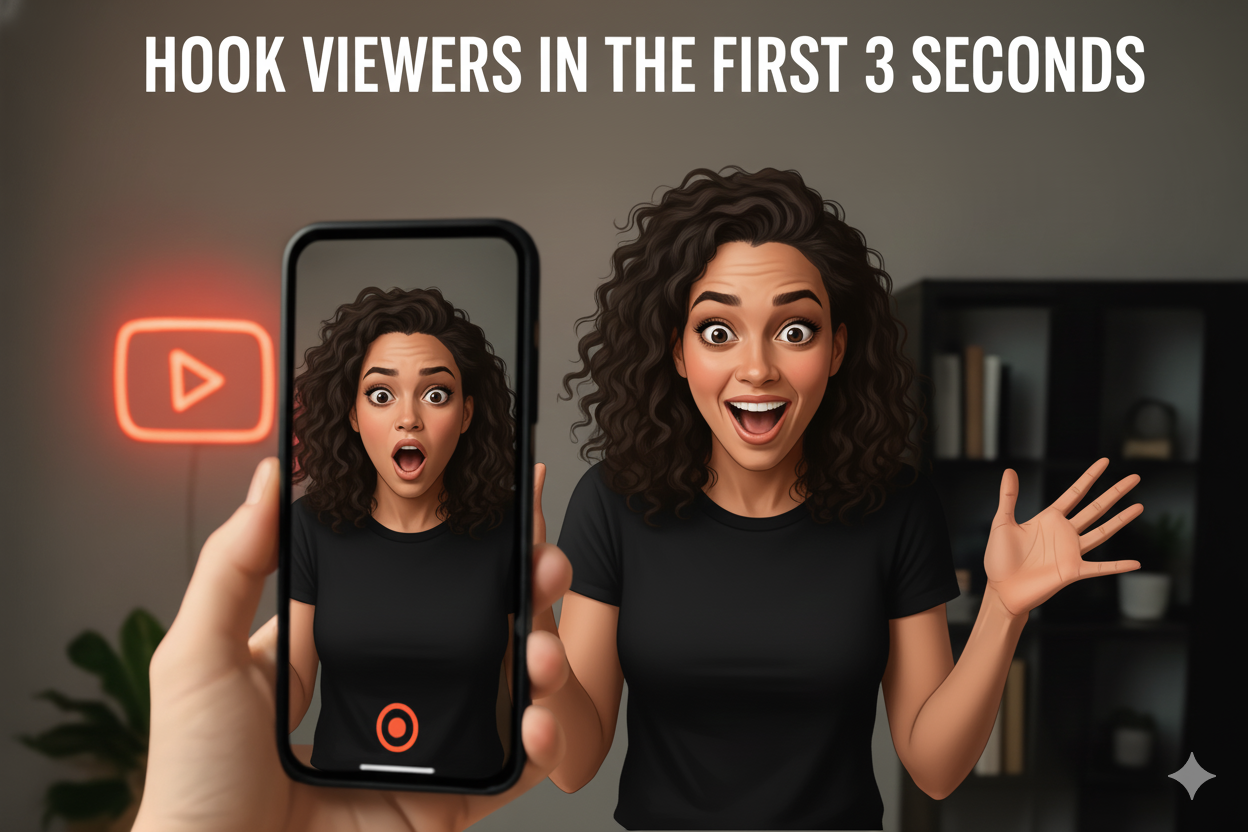
The opening moments determine everything. Most people decide whether to keep watching within three seconds.
Start with one of these:
Don’t waste time with introductions or logos. The hook isn’t what you think is important—it’s what makes someone stop scrolling.

Research shows 85% of social media videos are watched without sound. Without captions, the message is lost.
Videos with captions get 40% more views and significantly higher watch time. This isn’t a nice-to-have feature.
Make captions work:
Most AI tools auto-generate captions. Always review them—errors destroy credibility instantly.

Attention spans are shrinking. The ideal length depends on the platform, but shorter usually win. One message. One video. That’s the rule.
Platform-specific sweet spots:
When it comes to AI video ads, brevity wins. Don’t bury your lead by trying to say too much at once. If you have three things to say, make three videos. Splitting content into short, digestible bites prevents viewer fatigue and keeps your performance metrics high.
AI video creation tools excel at creating concise, focused content. The key is being ruthless about what to include and what to cut.

Over 75% of video views happen on phones. If your content doesn’t work on mobile, it doesn’t work.
Mobile-first checklist:
Desktop preview means nothing. What looks great on your monitor might be illegible on mobile.

Even engaged viewers zone out. Pattern interrupts snap attention back.
Reset attention every 5-7 seconds with:
The goal is to prevent the viewer’s brain from predicting what comes next. Predictability equals boredom equals scrolling away.

What works on TikTok doesn’t work on LinkedIn. Each platform has different audiences and expectations. Posting the same video across every platform is lazy and ineffective.
Match your content to platform culture:
Same core message, different execution. Adapt tone, pacing, and style to each platform’s audience expectations.
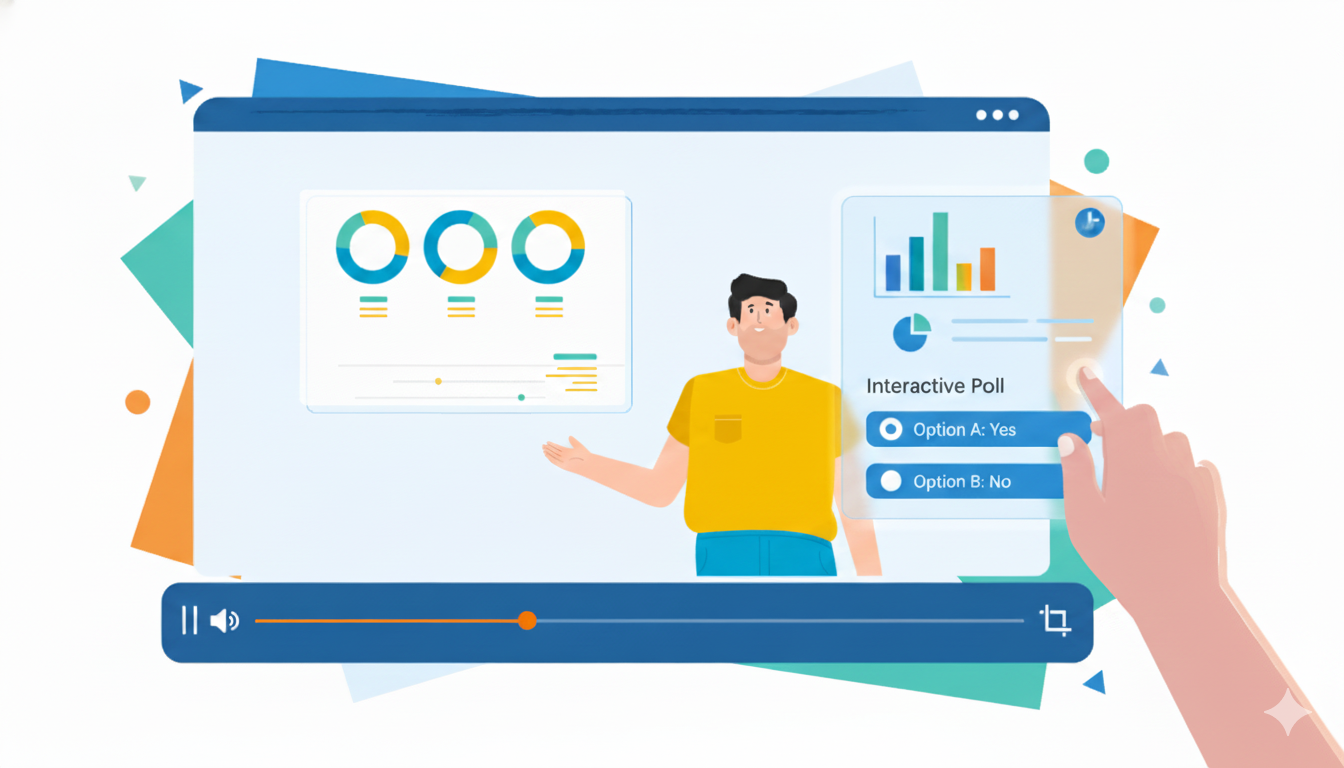
Interactive features dramatically boost engagement by turning passive viewers into active participants. Passive viewing gets average results. Active participation drives engagement.
Make viewers do something:
Always tell viewers exactly what to do next. Vague calls to action get vague results. Specific instructions drive specific actions.
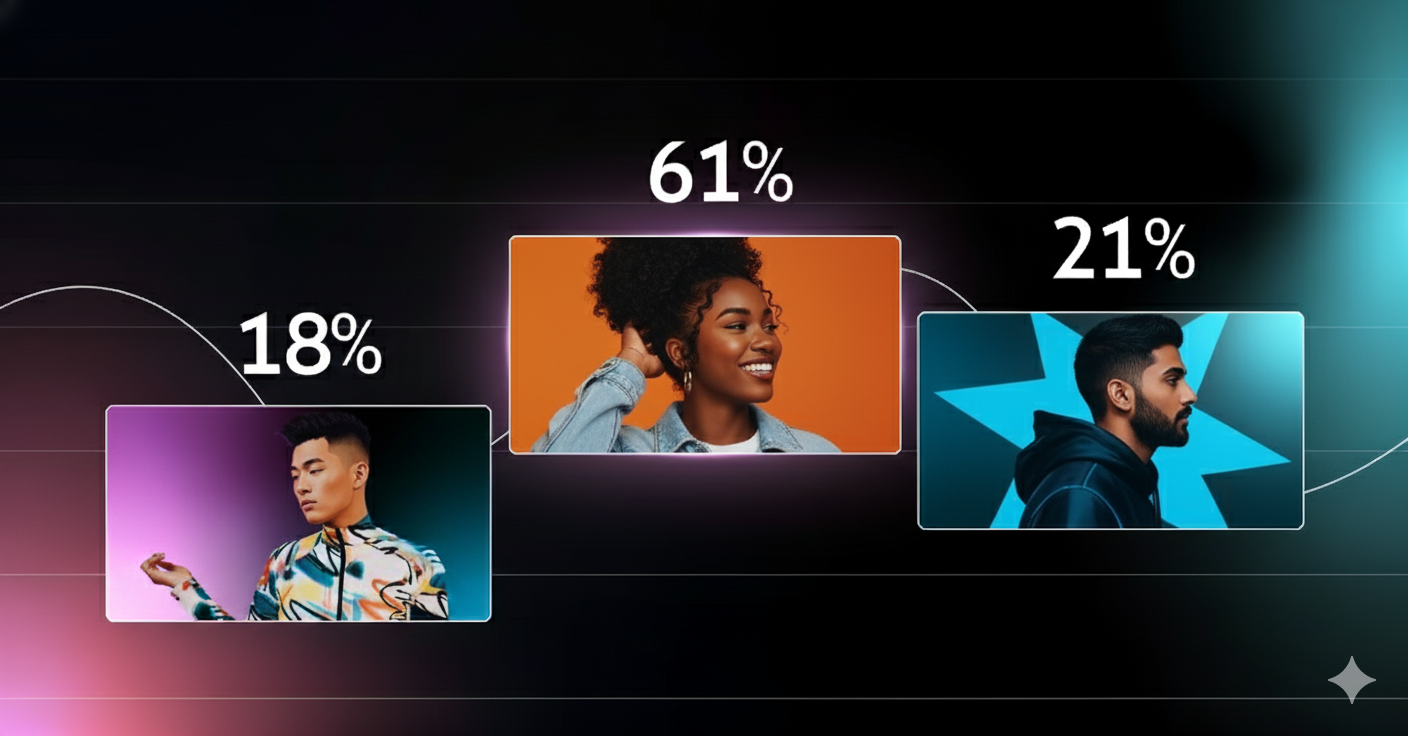
Before anyone watches your video, they see the thumbnail. It’s your first—and sometimes only—impression.
High-performing thumbnails have:
Create 3-4 thumbnail variations for each video. Small changes in thumbnail design can double or triple your click-through rate.

Algorithms favor content that uses trending audio and formats. Jumping on trends early increases reach exponentially.
This doesn’t mean abandoning your brand—it means adapting trends to fit your message and style. Speed matters. Most trends die within days. If you’re seeing it everywhere, you’re already late.
Trend-jacking done right:

Creating content without checking performance is guessing. Data shows what audiences actually want, not what you think they should want.
Track these metrics religiously:
Once patterns emerge, exploit them. If how-to videos outperform product showcases 3x, make more how-tos. If videos under 20 seconds get shared more, keep them short.
These strategies compound. A video with a strong hook + captions + pattern interrupts + platform optimization will crush one with just a single element.
Don’t try to implement everything at once. Start with 2-3 techniques, measure results, then layer in more.
Four-week implementation plan:
Week 1: Create 3 versions with different hooks. Test which gets the most engagement in the first hour.
Week 2: Add captions, mobile optimization, and a strong CTA. Compare engagement to baseline.
Week 3: Implement pattern interrupts and platform-specific adjustments. Track completion rates.
Week 4: Analyze all data. Identify your top 2-3 techniques and make them standard practice.
READ ALSO:- How AI Tools Can Save You 10 Hours a Week in Content Creation
AI tools have made video creation accessible, but engagement still requires strategy. Tools provide efficiency—audience psychology provides results.
Every technique here is proven and measurable. High-engagement content isn’t lucky. It’s strategic.
Start with one technique this week. Measure the impact. Build from there. Better engagement isn’t about doing everything—it’s about doing the right things consistently.